
Skip to content

Cart

Your cart is empty

Standing Desk Converter

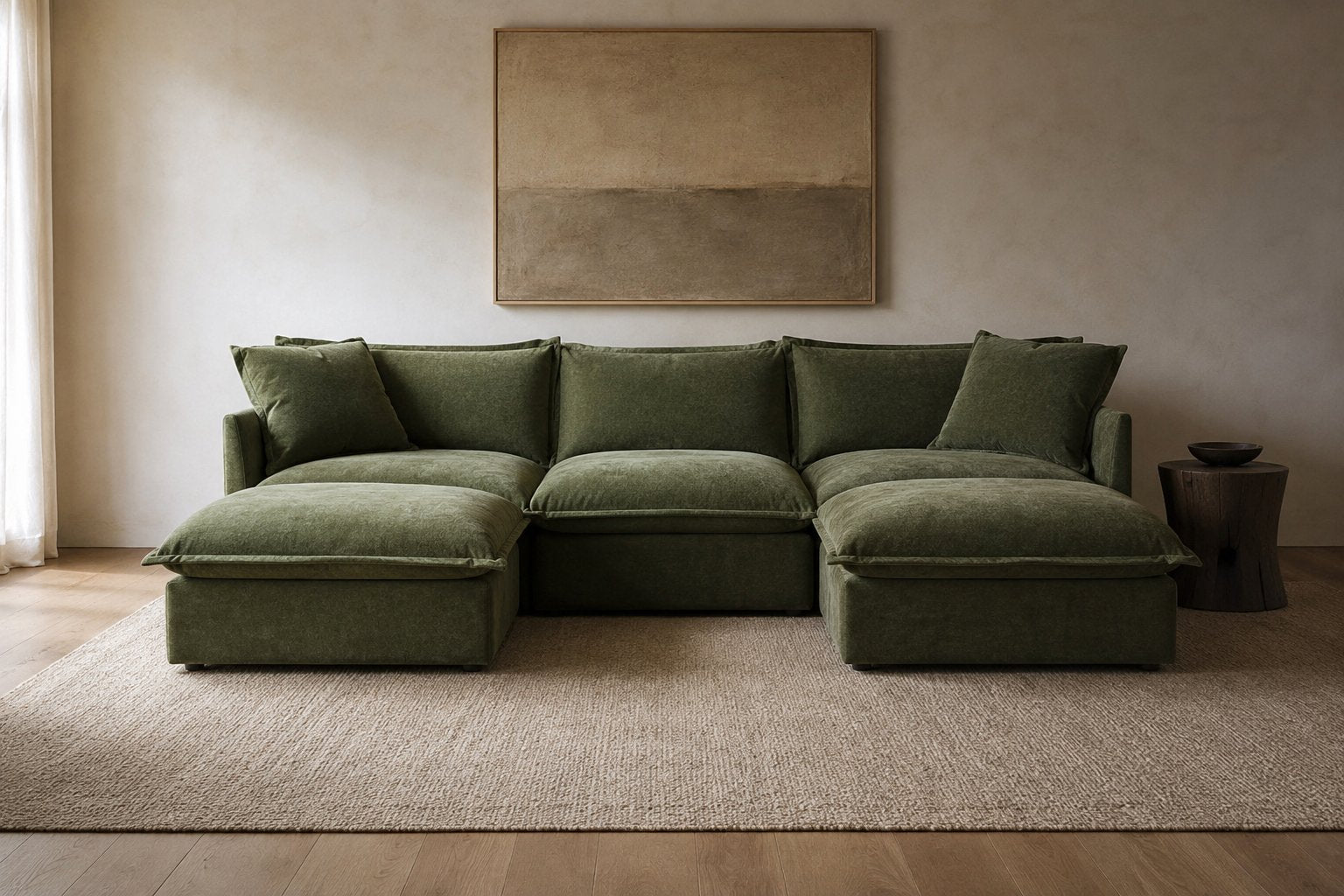
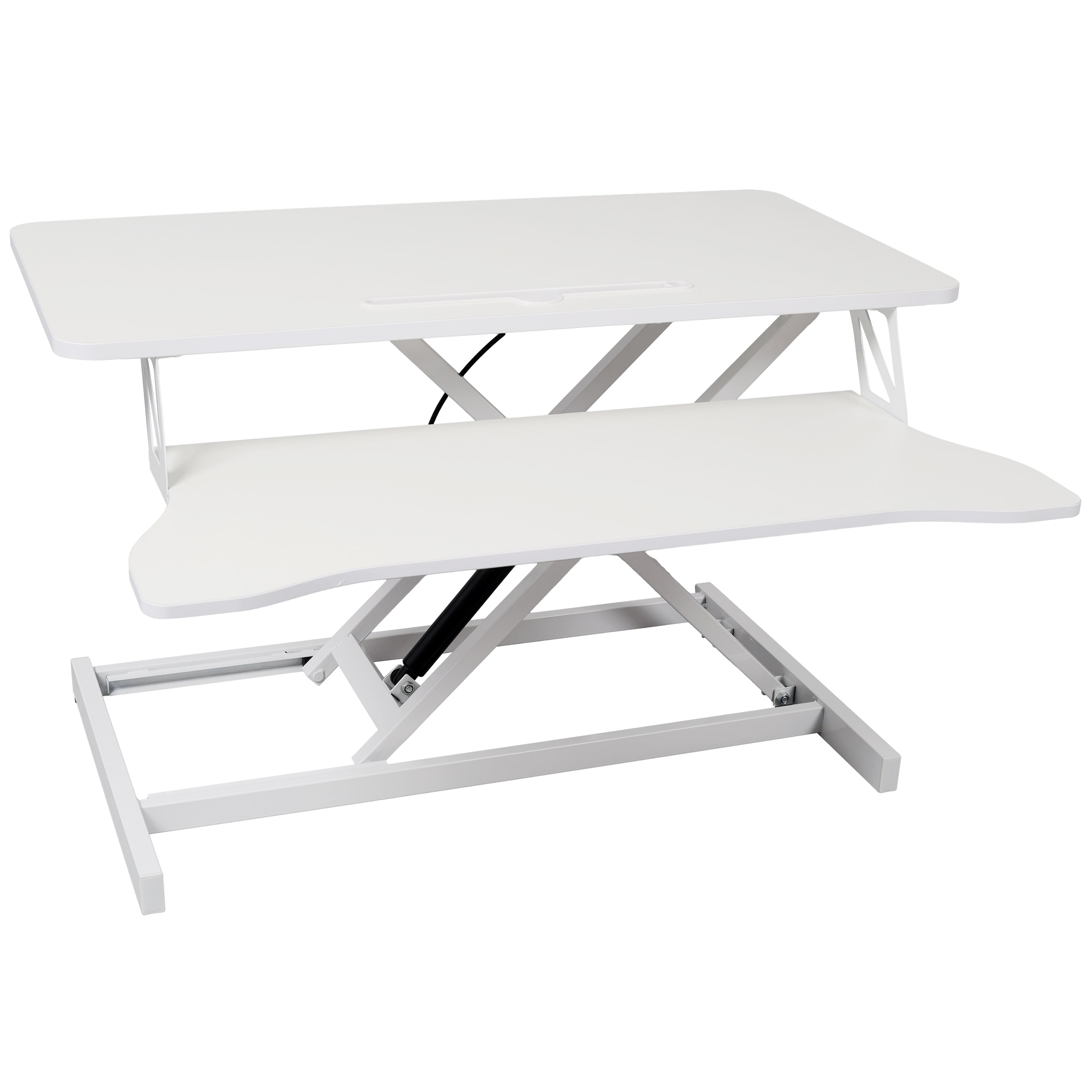
A standing desk converter sits on the desk you already own and raises the work surface, so you can stand without replacing the desk. Converters at Two Seventy Nine measure about 32 inches wide, every one adjusts in height, and every one has a separate keyboard tray below the top surface.

Standing Desk Converter

This collection is empty

Continue shopping

What a converter does that a standing desk does not

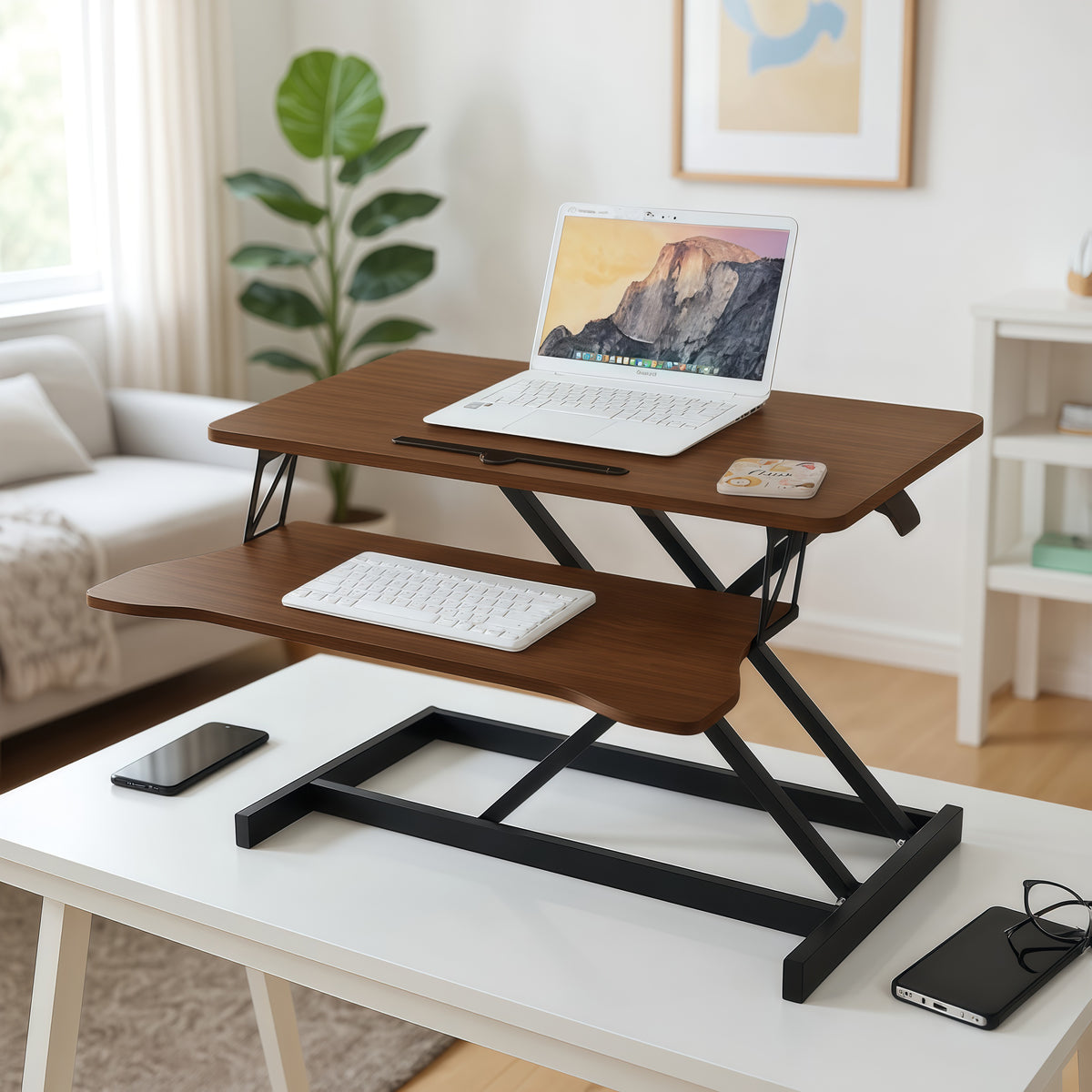
A converter is a platform that sits on an existing desk and lifts, rather than a desk whose own legs move. That difference decides who it suits. It keeps the desk you already have, which matters if that desk is a good one, is built in, or is not yours to replace. It costs less than a powered desk and needs no assembly of a frame. It also comes back down, so a shared or occasional workstation can be a sitting desk most of the day. What it gives up is legroom and surface: the converter occupies part of the desktop, and the desk underneath stays at its fixed height.

Desk risers and converters are the same product

Desk riser, desktop riser, sit-to-stand converter and standing desk topper all describe this product, and the range here answers to all of them. If you have been searching for a desk riser, this is the page. The only distinction worth drawing is against a monitor riser, which is a fixed block that lifts a screen a few inches and does not move, and against a rolling laptop cart, which is a separate piece of furniture on castors rather than something that sits on a desk.

Height, and the measurement people get wrong

The heights stated on these listings are the height of the unit itself, not the height you will be working at. A converter sitting on a desk adds its travel to the desk height, so a converter reaching about 20 inches on a 29 inch desk puts the raised surface near 49 inches. Work backwards from your own standing elbow height: with shoulders relaxed, the forearms should be roughly level with the keyboard. Measure from the floor to your elbow, then subtract your desk height, and that is the travel the converter needs to give you.

The keyboard tray is not an accessory

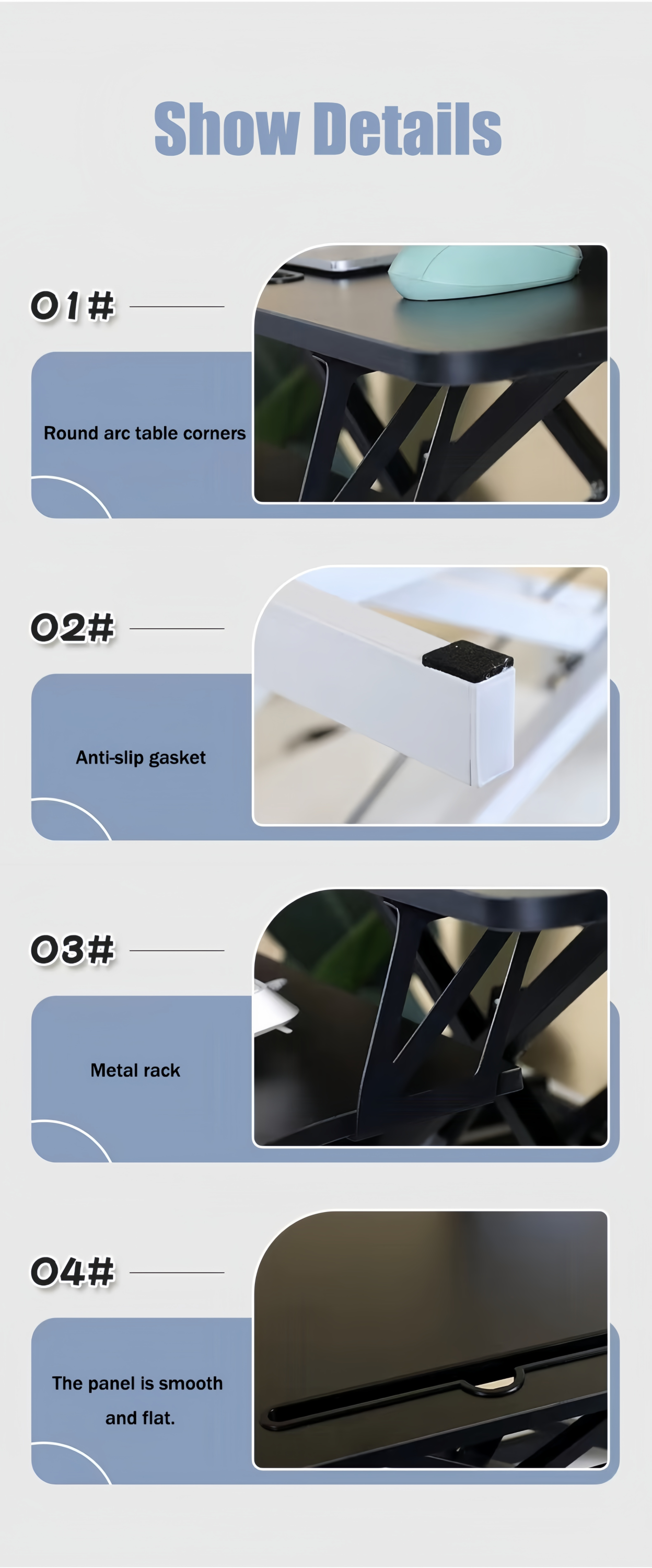
Every converter in this range carries a separate keyboard tray below the main surface, and that two-tier arrangement is the point rather than a bonus. Putting the keyboard on the same level as the screen forces a choice between a screen too low and hands too high, and standing makes that worse because there is no chair height left to adjust. The lower tray sets the hands at elbow height while the upper surface carries the monitor near eye level. Check the tray width against the keyboard and mouse you actually use.

Fitting one to the desk you have

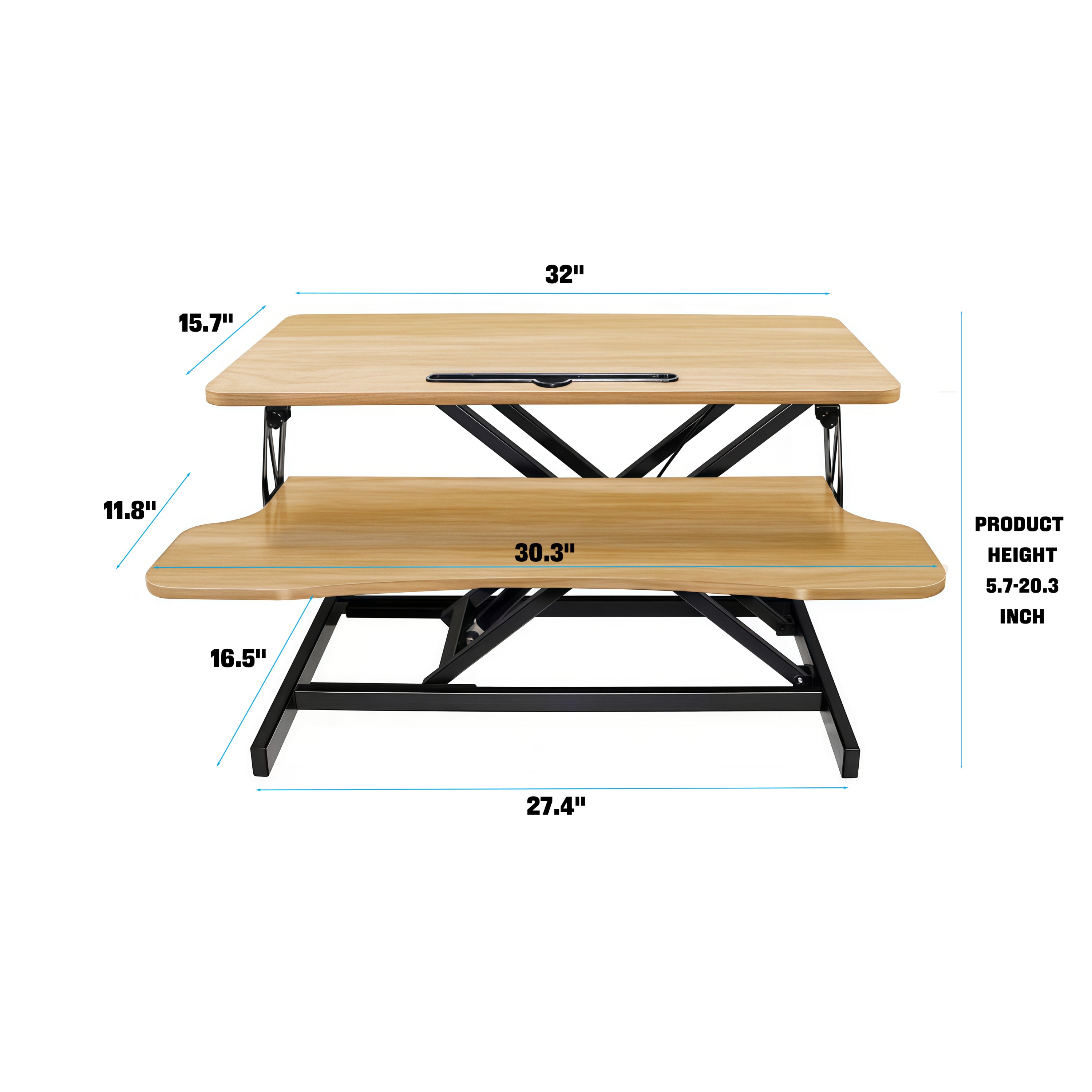
A converter needs a desk that can take its footprint and its weight. Units here are about 32 inches wide and 16.5 to 17 inches deep, so measure the clear run on the desktop, remembering that the tray travels toward you as the unit rises and needs space at the front edge. Check the desk itself too: a converter concentrates load on one area of the surface, so a desk with a stated surface weight capacity should be checked against the unit plus the monitors going on it. On a glass or lightly built desk that check matters more than on a solid top.

Specifications

Width
About 32 in
Depth
16.5 to 17 in
Unit height range
19.6 to 20.3 in where stated
Height adjustable
Yes
Keyboard tray
Yes
Construction
MDF panels on a metal frame
Fits
A desk you already own
Delivery window
5 to 7 days
Free shipping
Free

Good to know

Frequently asked questions

What is a standing desk converter?
A standing desk converter is a platform that sits on top of a desk you already own and raises the work surface so you can stand. Unlike a standing desk, where the legs themselves move, a converter leaves the original desk untouched and lifts only what sits on it. Most have two tiers, with the monitor on the upper surface and a keyboard tray below, and they lower again for sitting.
How to convert a desk to a standing desk
The straightforward way is a converter that sits on the existing desktop and lifts, which needs no tools and no change to the desk. Measure your standing elbow height, subtract the desk height, and choose a unit whose travel covers the difference. Check the desktop has clear space for the footprint, roughly 32 inches wide and 17 inches deep in this range, and allow room at the front for the keyboard tray as it comes toward you.
Are standing desk converters worth it?
A converter earns its place when the desk you have is worth keeping, when replacing it is not an option, or when you want to alternate rather than stand all day. It costs less than a powered desk and needs no frame assembly. It is the weaker choice if you want the whole surface at standing height or full legroom underneath, because the converter takes up part of the desktop and the desk below stays at its fixed height.
How to use standing desk converter
Set the upper surface so the top of the screen is near eye level and the lower tray so your forearms are roughly level with the keyboard, with shoulders relaxed. Alternate rather than committing to a whole day standing, since the benefit comes from changing position. Lower the unit fully before leaving the desk if it shares a room, and keep the tray path at the front edge clear so nothing is caught as it travels.